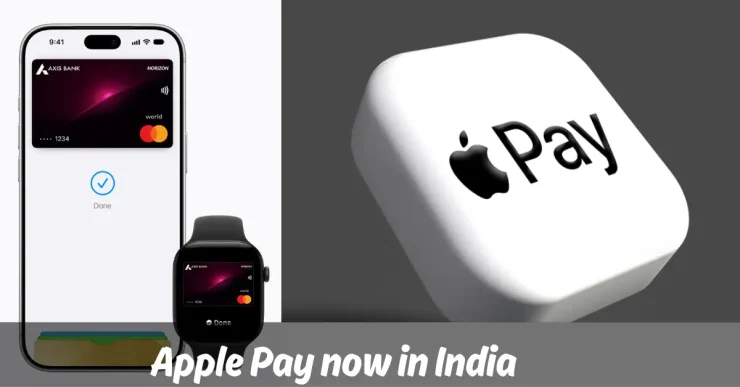
Apple officially introduced Apple Pay in October 2014.
Over the years, there were several rumours about its imminent launch in India, tie-ups with various leading banks and so on. Today, on September 30, 2026, Apple has finally launched Apple Pay in India, 12 years after its debut. They have chosen to partner with Axis Bank initially.
Discussions with other banks are also going on, but the devil is in the details. Apple’s transaction fee is at the core of the matter with a pushback from these banks, so wait and watch for now.
Availability and Requirements
In India, Apple Pay currently works only on the Mastercard and Visa networks. This means you cannot add Axis Bank credit cards on the RuPay and American Express network to Apple Pay.
Apple Pay is available on iPhone, iPad, and Apple Watch. They will be adding support for Mac soon. You should have an iPhone XR or later running iOS 18+, and/or an Apple Watch Series 6 or later running watchOS 11+ to use Apple Pay.
Security and Privacy
Considering the increased awareness around security and privacy issues around payment apps, Apple says it has made this the core of Apple Pay. They neither store actual card numbers on the device or on Apple servers, nor share it with the merchant.
Apple Pay uses a unique Device Account Number which is assigned, encrypted, and securely stored in the Secure Element. This is an industry-standard certified chip designed to store the payment information safely on the device.
If your phone/watch is stolen/lost, mark it as “Lost”. This remotely locks the device and disables Apple Pay on it. Doing this also suspends all your cards in Apple Wallet. If you find your device later, unlock it, and then reactivate your cards.
Apple also claims they do not retain any user-linked transaction details. These remain strictly between the cardholder, merchant and card issuer.
Using Apple Pay
You can add your credit card to Apple Wallet via the Axis Bank app. Alternately, you can do so directly by tapping the “+” sign from the Wallet app on your iPhone. You can place your phone on the back of the card to read the number, or input the card details manually. This brought back memories of adding a credit card to HDFC Bank’s PayZapp app.
You can use it to make online and offline payments at NFC-enabled terminals. In simple language, simply tap and pay without needing another app or having to input PIN/OTP or other details.
To use Apple Pay offline, you first need to authenticate yourself. Once done, hold the top of your iPhone or screen of your Apple Watch near the contactless reader and make the payment.
If you’ve previously added your cards on Samsung Pay or even Google Pay and paid offline, you would be familiar with the mechanism.
Acceptability of Apple Pay
Apple’s PR blurb says Apple Pay is accepted by “millions” of merchants across India, including at Apple Store locations, Blinkit, Chaayos, Comet, Croma, Interflora, Ixigo, Le15 Patisserie, Reliance brands, Tata 1mg, Zomato, and more.
They have also partnered with multiple Payment Service Providers (PSPs) like BillDesk, Cashfree, Juspay, Mswipe, Paytm, PayU, Pine Labs, Razorpay, and others, and plan to add more.
Personally, I’ll have to wait till they onboard other banks like HDFC Bank or ICICI Bank, because I closed my Axis Bank credit cards and bank account last year.
Have you added your card/s to Apple Pay and used it yet? How was the experience?